
Technical SEO plays a major role in helping websites achieve better visibility on Google. Even if your website has high-quality content and strong backlinks, technical SEO errors can prevent pages from ranking properly. One of the most common yet overlooked issues is incorrect canonical tag implementation.
Canonical tag errors can confuse search engines, create duplicate content issues, waste crawl budget, and cause major ranking loss. Businesses often experience sudden drops in organic traffic because Google indexes the wrong version of a page or ignores important pages completely.
At Mobilogy Software Services LLP, based in Ahmedabad, Gujarat, India, we provide Affordable Technical SEO Services India to help businesses identify and fix critical technical SEO problems that affect search performance. In this guide, we explain canonical tags, common errors, their SEO impact, and how to fix them properly in 2026.
What Is a Canonical Tag?
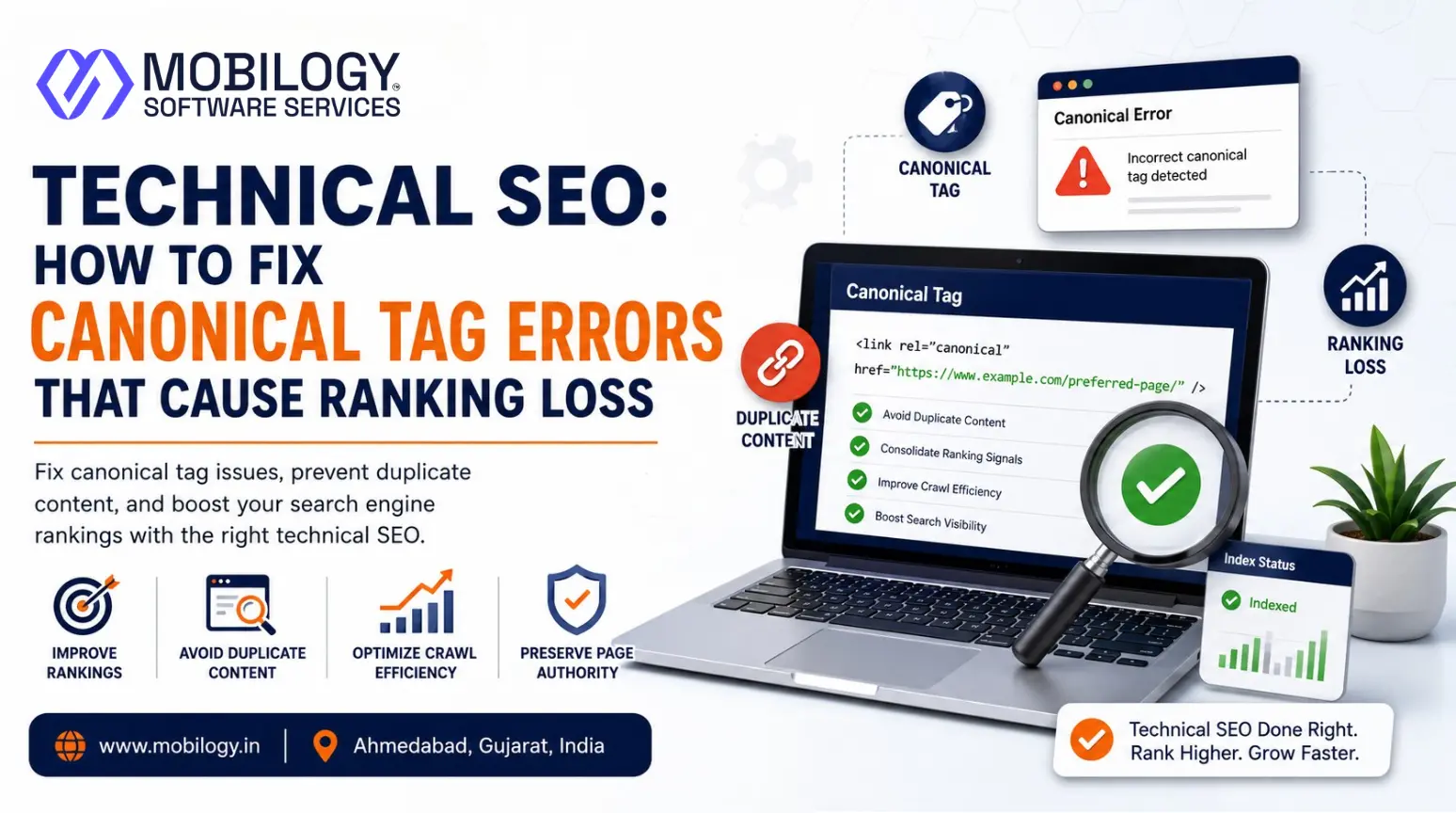
A canonical tag tells search engines which version of a webpage should be treated as the primary version.
The canonical tag is placed inside the <head> section of a webpage.
Example:
<link rel="canonical" href="https://www.example.com/page-url/">This helps Google understand which URL should appear in search results when multiple similar pages exist.
Why Canonical Tags Are Important for SEO
Canonical tags help search engines:
- Prevent duplicate content issues
- Consolidate ranking signals
- Improve crawl efficiency
- Avoid index confusion
- Preserve page authority
Without proper canonicalization, Google may index duplicate or incorrect URLs, causing ranking instability.
Common Canonical Tag Errors That Cause Ranking Loss
Many websites unknowingly create technical SEO issues through improper canonical implementation.
1. Self-Referencing Canonical Errors
A self-referencing canonical is generally recommended, but problems occur when the canonical URL is incorrect.
Example of Incorrect Canonical
<link rel="canonical" href="https://example.com/old-page/">while the actual page URL is:
https://example.com/new-page/SEO Impact
- Wrong page indexing
- Loss of ranking signals
- Duplicate indexing issues
Solution
Always ensure canonical tags match the correct live URL.
2. Multiple Canonical Tags on One Page
Some websites accidentally add more than one canonical tag.
Causes
- SEO plugin conflicts
- Theme coding issues
- CMS errors
SEO Impact
Google may ignore all canonical tags if multiple versions exist.
Solution
Ensure every page contains only one canonical tag.
3. Canonical Tags Pointing to Redirected URLs
Canonical tags should never point to redirected pages.
Incorrect Example
<link rel="canonical" href="https://example.com/page">when the page redirects to:
https://example.com/page/SEO Impact
- Crawl inefficiency
- Lost authority signals
- Indexing confusion
Solution
Canonical URLs must point directly to the final destination URL.
4. Canonicalizing All Pages to Homepage
Some websites mistakenly point every canonical tag to the homepage.
SEO Impact
- Internal pages lose rankings
- Content deindexing
- Massive organic traffic loss
Solution
Each page should have its own relevant canonical URL unless duplicate versions genuinely exist.
5. HTTP and HTTPS Canonical Conflicts
Websites sometimes mix HTTP and HTTPS versions.
SEO Problems
- Duplicate indexing
- Security trust issues
- Ranking dilution
Solution
Use HTTPS consistently across:
- Canonical tags
- Internal links
- XML sitemaps
- Redirects
6. WWW vs Non-WWW Canonical Issues
If canonical tags switch between:
- www.example.com
- example.com
search engines may treat them as separate websites.
Solution
Choose one preferred domain version and maintain consistency everywhere.
7. Paginated Page Canonical Mistakes
E-commerce and blog websites often mishandle paginated content.
Incorrect Practice
All paginated pages pointing to page one.
SEO Impact
- Product pages may not index
- Blog archives lose visibility
- Crawl confusion
Solution
Each paginated page should normally self-canonicalize.
8. Canonical Tags Blocking Important Pages
Sometimes canonical tags mistakenly point to unrelated pages.
Result
Google ignores the intended page completely.
Example
A service page canonicalized to a category page.
Solution
Use page-specific canonical URLs relevant to the content.
9. Canonical Chains and Loops
Canonical chains occur when:
- Page A points to Page B
- Page B points to Page C
Loops occur when pages reference each other endlessly.
SEO Impact
- Crawl inefficiency
- Lost ranking signals
- Indexing issues
Solution
Canonical tags should point directly to the final preferred URL.
10. Missing Canonical Tags
Although not always critical, missing canonical tags can create duplicate indexing risks.
Common Duplicate Variations
- URL parameters
- Tracking URLs
- Session IDs
- Print versions
Solution
Use proper self-referencing canonical tags across important pages.
How Canonical Errors Affect Rankings
Incorrect canonicalization can severely impact SEO performance.
Major SEO Consequences
- Keyword ranking drops
- Duplicate content problems
- Crawl budget waste
- Wrong URL indexing
- Reduced organic traffic
- Loss of page authority
This is why technical SEO audits are essential for growing websites.
How to Identify Canonical Tag Errors
Professional SEO audits help identify hidden canonical issues.
Useful SEO Tools
- Google Search Console
- Screaming Frog SEO Spider
- Ahrefs Site Audit
- SEMrush Audit Tool
- Sitebulb
Important Checks
- Canonical consistency
- Redirect conflicts
- Duplicate content
- Indexation status
- HTTP/HTTPS issues
Businesses often choose to Hire Technical SEO Expert Ahmedabad Gujarat for detailed technical audits and fixes.
Best Practices for Canonical Tags in 2026
Following SEO best practices helps avoid ranking problems.
Recommended Practices
- Use one canonical tag per page
- Use HTTPS URLs only
- Avoid canonical chains
- Self-canonicalize unique pages
- Keep canonical URLs crawlable
- Match sitemap URLs with canonical URLs
- Avoid pointing canonicals to redirected pages
Consistency is essential for proper indexing.
Canonical Tags vs Redirects
Many website owners confuse canonical tags with redirects.
Canonical Tags
- Suggest preferred URLs
- Allow multiple versions to exist
Redirects
- Force users and bots to another URL
- Permanently replace pages
Both serve different SEO purposes and should be used correctly.
Technical SEO and Crawl Budget Optimization
Google allocates a crawl budget for websites.
Duplicate URLs caused by canonical errors waste valuable crawl resources.
Proper Canonicalization Helps
- Faster indexing
- Better crawl efficiency
- Improved ranking stability
- Cleaner website structure
This becomes especially important for:
- E-commerce websites
- Large blogs
- Enterprise websites
Importance of Technical SEO for Modern Websites
Technical SEO directly affects:
- Website crawling
- Indexing
- User experience
- Page speed
- Mobile optimization
- Search visibility
Without proper technical SEO, even strong content strategies may fail.
Why Businesses Need Technical SEO Experts
Fixing canonical issues often requires technical knowledge and SEO expertise.
Businesses choose professional SEO agencies to:
- Conduct technical audits
- Fix indexing issues
- Improve crawlability
- Resolve duplicate content problems
- Optimize website architecture
If you want to Hire Dedicated SEO Specialist India, choosing experienced professionals can save significant SEO recovery time.
Why Choose Mobilogy Software Services LLP?
Mobilogy Software Services LLP provides advanced Search Engine Optimization Services Ahmedabad for businesses looking to improve technical SEO and long-term rankings.
Our Technical SEO Services Include
- Canonical tag optimization
- Website SEO audits
- Crawl error fixing
- Schema implementation
- Core Web Vitals optimization
- Mobile SEO
- XML sitemap optimization
- Indexation analysis
Why Clients Choose Us
- Affordable SEO solutions
- Ethical SEO practices
- Customized strategies
- Transparent reporting
- Experienced SEO experts
Businesses searching for Top SEO Agency near me trust our technical SEO expertise and performance-focused approach.
Future of Technical SEO in 2026
Search engines continue prioritizing:
- Website quality
- Crawl efficiency
- Structured architecture
- Mobile-first indexing
- AI-driven search understanding
Technical SEO will remain one of the most important ranking foundations for modern websites.
Canonical tag errors may seem small, but they can significantly damage website rankings and organic traffic if ignored. From duplicate indexing and crawl inefficiencies to authority dilution and wrong-page ranking, improper canonical implementation creates serious SEO problems.
Businesses investing in Affordable Technical SEO Services India can prevent these issues and maintain strong search visibility through regular audits and optimization.
If your website is facing indexing issues, ranking drops, or duplicate content problems, Mobilogy Software Services LLP provides expert Search Engine Optimization Services Ahmedabad designed to improve technical SEO performance and long-term growth.
Visit www.mobilogy.in to learn more about our technical SEO solutions and website optimization services.



One Comment
Comments are closed.